We use cookies to ensure a comfortable browsing experience on our website and to continuously improve its features, performance, and usability through traffic analysis. Learn more.

How do you properly set up a projector for tufting so that the design is projected sharply, to scale, and without distortion onto the fabric? This exact question determines whether your rug will look professional in the end or require unnecessary rework. If you want to avoid messy lines, incorrect proportions, and frustration, read this article carefully. Here, you’ll learn in practical terms what truly matters.
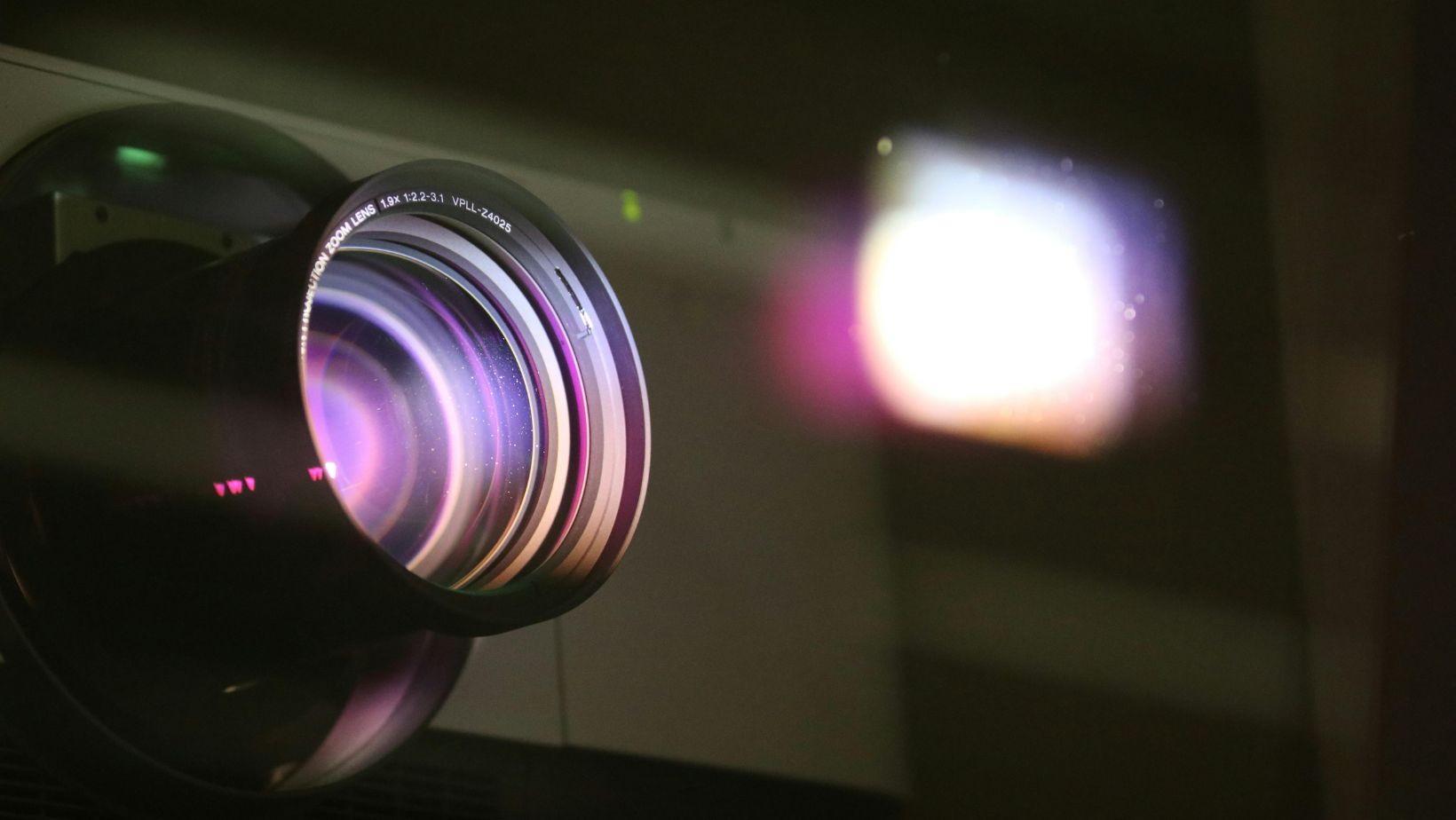
Why a Projector Is Needed for Tufting
In modern tufting, the projector is far more than just a helpful tool. It replaces the manual transfer of templates and ensures precise lines, consistent proportions, and high repeat accuracy. Especially with complex motifs, lettering, or symmetrical designs, working without a projector is hardly practical anymore.
A correctly adjusted projector allows you to tuft directly onto the stretched fabric. This saves you time and reduces mistakes that are difficult to correct later.
This is particularly important for commissioned work or when selling tufting rugs, where quality and consistency are crucial.
Which Projector Types Are Good for Tufting
Not every projector is automatically suitable for tufting. The key factor is not maximum brightness, but image quality at short distance.
Short-throw or ultra-short-throw projectors are especially popular, as they require little space and cast fewer shadows.
However, technical fundamentals are more important than marketing claims. The projector should have stable Full HD resolution, allow manual focusing, and ideally offer finely adjustable keystone correction. Automatic systems may be convenient, but they often deliver inaccurate results on fabric.
The Right Positioning of the Projector
The position of the projector is the most important factor for a clean result. The projector must be aligned exactly straight on to the tufting surface. Even small deviations lead to distortions that later appear as crooked lines and incorrect spacing.
The projector should be centered in relation to the surface and must not be tilted up or down. Side angles are also problematic. Ideally, it should be mounted securely on a wall or ceiling so that its position does not change during work. Stable alignment is crucial for consistent proportions.
Adjusting Sharpness Correctly
Sharpness is particularly critical in tufting because you need to trace fine lines precisely. A blurry projection leads to messy edges and uneven lines. Always adjust the focus manually, and do so directly on the fabric itself, not on a wall or a test screen.
Make sure the lines are equally sharp across the entire surface. If the center is sharp but the edges appear blurry, the distance or angle of the projector is usually incorrect. In this case, further focusing will not help—only a proper realignment will solve the issue.
Understanding and Avoiding Distortion
Distortion occurs when the projector is not positioned at a right angle to the surface or when keystone correction is used incorrectly.
Many beginners try to correct errors exclusively through digital adjustments. However, this often results in warped designs and uneven lines.
The most important rule is: mechanical alignment before digital correction. Use keystone correction only minimally and solely for fine adjustments. Strong digital distortion reduces image quality and can alter proportions, which is especially problematic in tufting.
Setting the Right Scale and Size
A common issue when tufting with a projector is an incorrect scale. The design appears larger or smaller on the fabric than planned.
The cause is usually a combination of projector distance, zoom, and file settings.
Make sure your digital design is already prepared in the correct final dimensions. Then adjust the projection size using distance and zoom, not by scaling the image in editing software during projection. This ensures that the proportions of lines, spacing, and details remain consistent.
Correct Lighting Conditions in the Room
The environment also influences the projection result. Too much daylight reduces contrast, while too little light makes it difficult to see fine lines. Ideally, the room should be evenly dimmed so that the projection remains clearly visible without causing glare.
A projector for tufting does not require cinema-level brightness, but rather clear contrast. Black lines on a light background work best.
Colored templates should be adjusted for high contrast before projection to avoid mistakes while tracing.
Conclusion
A projector for tufting works optimally when alignment, sharpness, and distortion are perfectly coordinated. The key factors are straight positioning, manual and even focusing, and sparing use of keystone correction. Only then will the design remain true to scale and cleanly transferable. A properly set projector saves time, increases precision, and visibly improves the quality of your rugs. Anyone who masters these basics works more efficiently and significantly more professionally.